
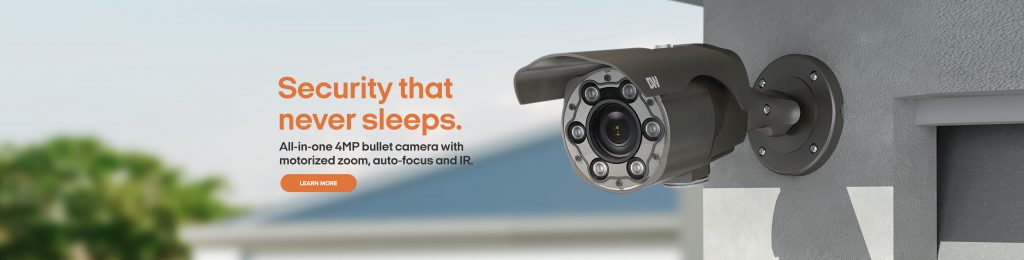
Digital Watchdog cameras, servers and DW Spectrum IPVMS
Match MEGApix cameras, Blackjack servers, DW Spectrum software and cloud connectivity to scene, throughput, retention and support requirements.
What Digital Watchdog includes—and how to choose
Digital Watchdog combines MEGApix network cameras, Blackjack recording servers and appliances, DW Spectrum IPVMS and cloud-connected services. The system must be sized as a complete video chain. A high-resolution camera cannot deliver useful evidence if the lens, lighting, stream, network, server throughput or retention design is wrong.
DW Spectrum organizes devices, users, layouts, events and archives. Licensing and supported feature behavior should be checked for the current server and client release. Cloud connectivity may simplify remote access and system association, but it does not replace secure account management, network policy or an approved remote-support model.
Blackjack selection should consider camera count, aggregate recording bitrate, storage, RAID or disk architecture, operating-system support, network interfaces and expansion. Existing servers are evaluated with measured load and archive health rather than assumed capacity from model family alone.
Product families and their roles
This portfolio map separates the main Digital Watchdog functions so the project is not reduced to a generic model list.
MEGApix cameras
Fixed, multisensor, panoramic, specialty and analytic cameras for defined views.
DW Spectrum IPVMS
Video management, user permissions, layouts, rules, search and evidence export.
Blackjack servers
Recording appliances and servers sized for throughput, archive and lifecycle.
DW Cloud
Remote system association and access features governed by account and security policy.
Architecture decisions before procurement
The selected family must fit the opening, scene, network, power, software and administrative environment.
Scene-to-camera match
Select form factor, lens, IR, WDR and analytics from the actual scene.
Server load
Calculate recording and playback throughput, storage, retention and growth reserve.
Rules and integrations
Define triggers, actions, notifications and operator response for every automated rule.
Lifecycle compatibility
Check camera firmware, server build, Spectrum version, drivers and license state together.
Commissioning evidence
Acceptance should demonstrate the intended workflow under realistic conditions, not only show that devices appear online.
- Verify recorded detail in representative light and motion at the required distance.
- Measure server recording, playback and storage behavior under expected load.
- Test rule triggers, notifications, permissions and evidence export.
- Document model, MAC, IP, stream, firmware, server, license and archive assignments.
Official Digital Watchdog resources
Use the manufacturer pages below for current product status, compatibility, release notes, software and firmware. We link to official resources and do not host firmware files locally.
Detailed planning and product-family guides
Use the detailed Digital Watchdog guides below to compare specific hardware, software and deployment decisions.
DW Spectrum IPVMS and DW Cloud Planning
Understand DW Spectrum server/client architecture, Cloud access, licensing, integrations, updates and multi-site operations.
Read the detailed guideBlackjack AI Server and Video Storage Sizing
Compare Blackjack server and appliance roles using camera load, retention, storage, analytics, redundancy and support needs.
Read the detailed guideMEGApix AI, Pano and SiteWatch Selection
Select MEGApix AI, multisensor Pano and SiteWatch devices for the scene, analytics, lighting and response workflow.
Read the detailed guideBuild an installation-ready Digital Watchdog scope
Share the site, existing equipment, required workflows and project timing. We can identify the survey, compatibility checks, design and commissioning evidence the project needs.
Discuss products and installation